What Is an Interactive Multi-Touch Display?

What Is an Interactive Multi-Touch Display?

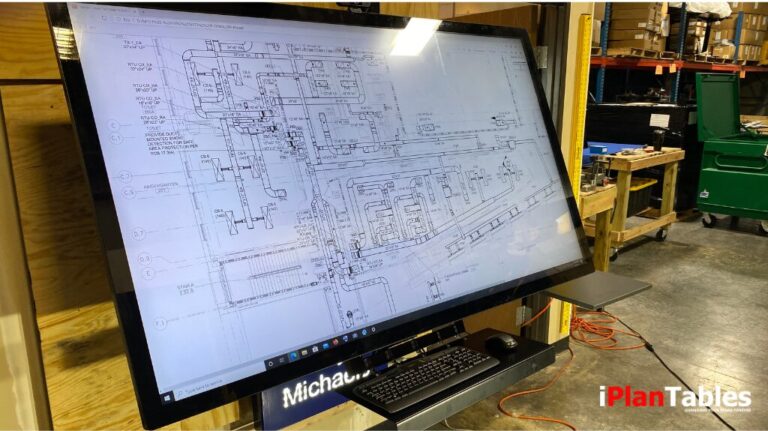
An interactive multi-touch display is a large-format, high-resolution screen that allows users to interact directly with digital content using touch gestures such as tap, swipe, zoom, and drag. In practice, this creates a more natural and intuitive way to engage with complex information. For example, professionals working with wide-format documents—plans, drawings, schedules, or complex spreadsheets—often…

 55 Inch Interactive Touch Screen: The FM Hydra Command Center

55 Inch Interactive Touch Screen: The FM Hydra Command Center

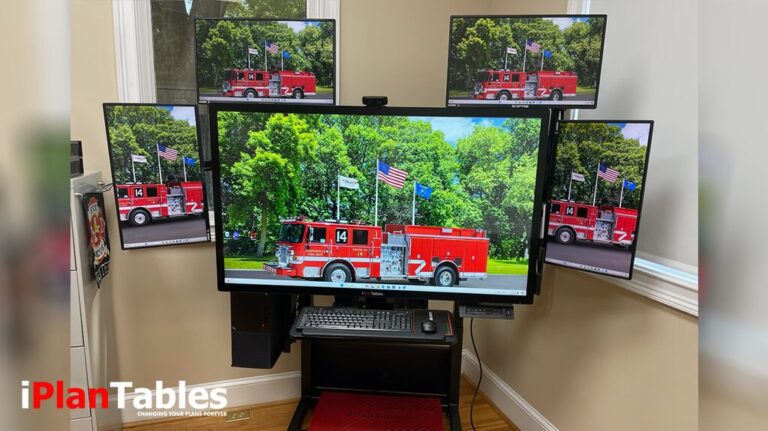
Complex projects generate a constant stream of data. Utilizing a 55 inch interactive touch screen can centralize plans, schedules, GIS layers, and communication tools, preventing them from competing for attention across small monitors or paper documents. When this information is scattered, context is lost. Consequently, errors increase, reviews slow down, and costs rise. The FM…

FMV: The Workstation That Eliminates Strain and Boosts Productivity

FMV: The Workstation That Eliminates Strain and Boosts Productivity

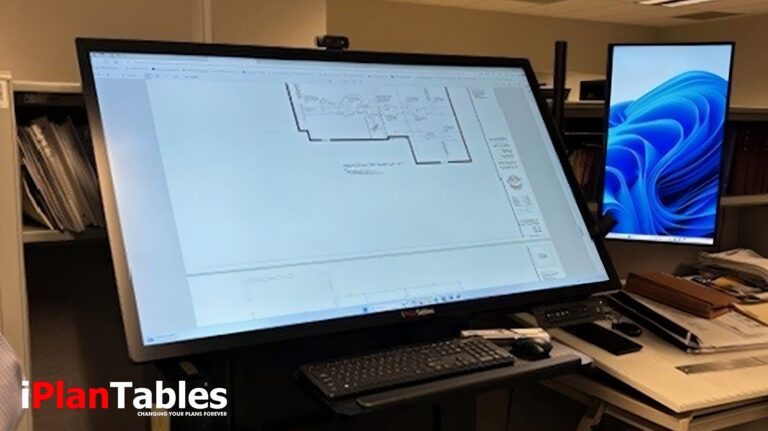
Hours of bending over flat desks or hunching in front of small monitors take a toll on professionals who review plans, manage projects, or lead digital workflows. Back strain, neck pain, and eye fatigue aren’t just minor inconveniences—they affect accuracy, decision-making, and overall productivity. In high-stakes industries where a single oversight can result in thousands…

 Construction Document Management System: Redefining Plan Review with Digital Workstations

Construction Document Management System: Redefining Plan Review with Digital Workstations

In today’s rapidly evolving construction landscape, a robust construction document management system plays a pivotal role in improving collaboration, productivity, and accountability across teams. The industry’s shift from traditional paper-based processes to digital workflows has accelerated, with stakeholders seeking better ways to view, mark up, and share wide-format plans. This is where iPlanTables touchscreen workstations…

The iPlanTables FM V Series: The Best Monitor for Architects and Facility Managers

The iPlanTables FM V Series: The Best Monitor for Architects and Facility Managers

As an architect, your workspace is crucial for comfort and productivity. Choosing the best monitor for architects, facility managers, plan reviewers, or construction professionals is essential. However, the entire workstation setup can significantly impact your workflow. The iPlanTables FM V Series offers a high-performance workstation that combines cutting-edge technology, ergonomic flexibility, and collaborative features, making…

Efficient Workspaces with FM Hydra’s Multiple Monitor Layout

Efficient Workspaces with FM Hydra’s Multiple Monitor Layout

For professionals facing constant information overload, having an efficient, well-designed workspace is essential. iPlanTables’ FM Hydra Command Center is thoughtfully engineered with an advanced Multiple Monitor Layout, giving seamless access to multiple data streams and optimizing workflow for maximum productivity. This setup ensures every critical piece of information is visible when needed, helping you manage…