
Models > Superintendent
Models > Superintendent
Superintendent
A More Accessible Way to Move Plan Review Off Paper
The Superintendent is a streamlined large-format touchscreen workstation designed for organizations that need the core benefits of digital plan review at a lower initial investment.
By focusing on the essential workstation, the Superintendent gives departments, contractors and project teams a practical way to move forward without paying for side monitors, an included computer or other features they may not need. Use your own computer, add an iPlanTables computer, request upgraded specifications, or add a laptop mount when the workflow calls for one.
Built for Teams That Need a Professional Workstation Within a Focused Budget
The Superintendent is designed for organizations that want a professional large-format plan-review workspace but do not need the Facility Manager’s broader configuration options or the Project Manager’s five-screen environment.
- Smaller plan-review and permitting departments
- Contractors and subcontractors establishing a digital plan-review station
- Estimators and project teams moving beyond desktop monitors
- Facilities and technical-document users
- Construction-management classrooms and training environments
- Organizations that already have an approved computer or laptop standard
- Budget-conscious teams that still need professional touch, markup and positioning
It is especially well suited for buyers who need the core workstation now, want to keep the starting investment focused and prefer to add only the technology their workflow actually requires.
For many organizations, the difference between moving forward and entering a longer approval process can come down to the total project cost. The Superintendent is designed to stay focused on the essential workstation, helping buyers remain closer to established equipment budgets without sacrificing a professional large-format plan-review workspace.
Start With What the Work Requires
Not every plan-review workflow needs multiple side monitors, a webcam, an included computer and a long list of accessories on day one.
The Superintendent begins with the parts that change the way plans are reviewed: a large-format 4K PCAP touchscreen, MPP active stylus capability, electric positioning, a physical keyboard workspace and a heavy-duty mobile stand.
A CPU holder is included for a customer-provided computer. Customers may instead add the standard iPlanTables Windows computer, request an upgraded computer configuration, or select a laptop mount when the organization works from laptops.
This keeps the starting configuration and initial investment focused while giving the customer a clear path to the computer setup that fits its standards.
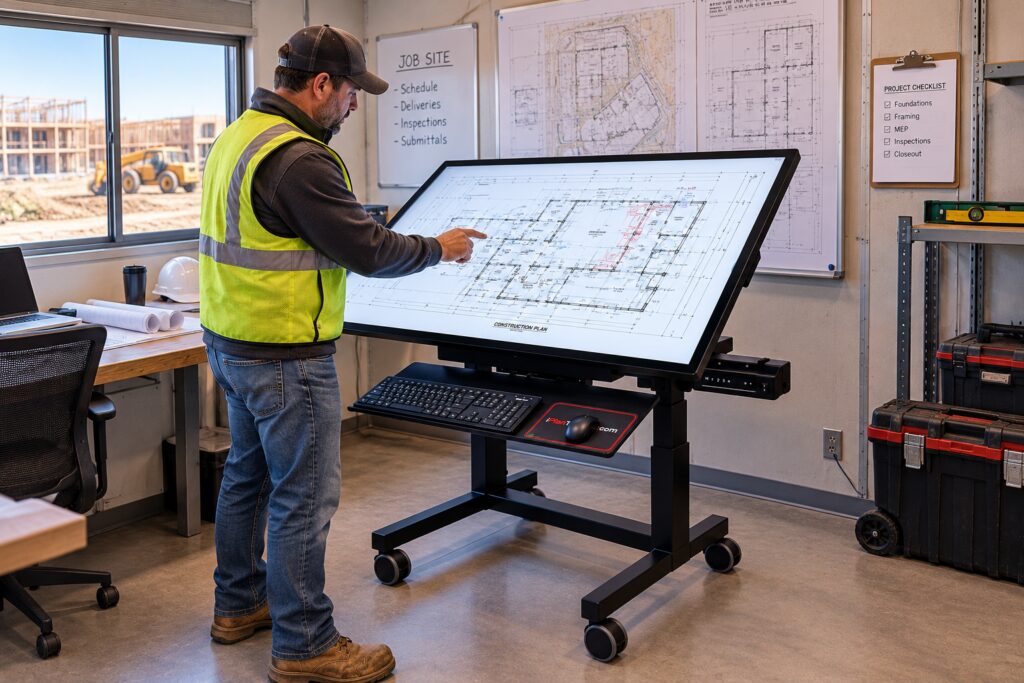
- Review at full scale
See more of the drawing and spend less time panning, zooming and rearranging windows.
- Mark up directly
Navigate, write and annotate on the plan with touch and an MPP active stylus.
- Use the computer you already trust
Connect an approved customer computer, add an iPlanTables PC or configure the workstation for a laptop.
Superintendent Features
- Large-format 4K PCAP touchscreen
- 43-inch, 49-inch, 55-inch or 65-inch main touchscreen
- 700-nit brightness
- Anti-glare surface
- MPP active stylus support; stylus available as an option
- Palm rejection
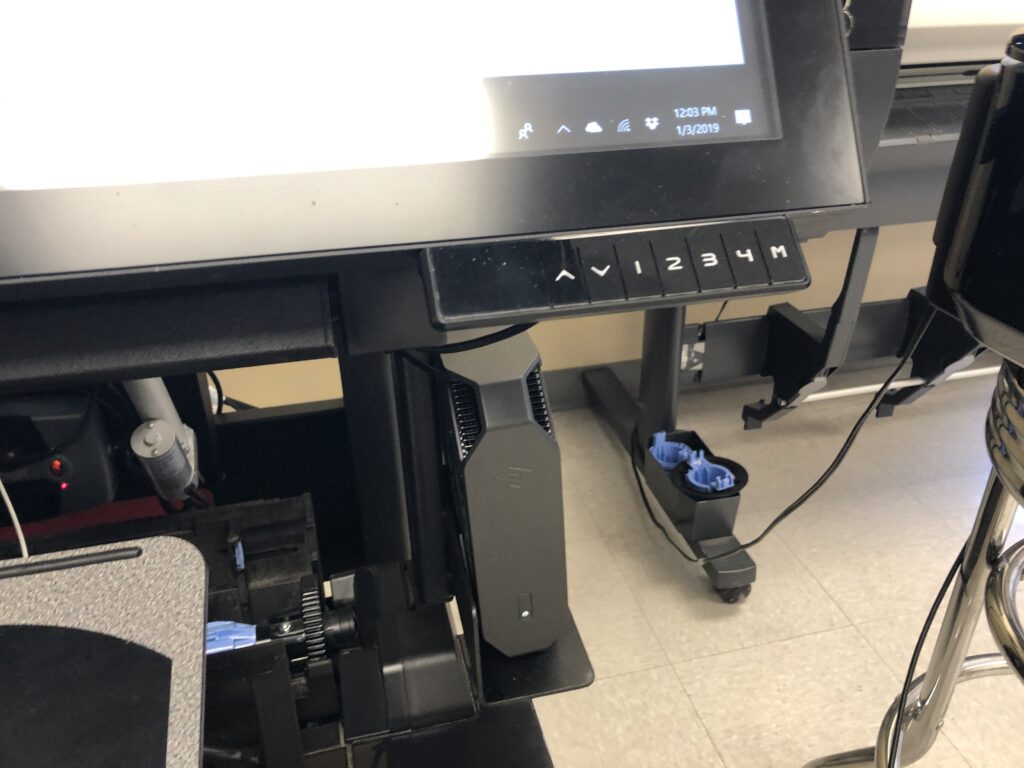
- Electric height adjustment
- Electric screen tilt
- Programmable height settings
- Physical keyboard tray
- CPU holder included
- Customer-provided computer ready
- Optional standard iPlanTables Windows computer
- Optional laptop mount for customer-provided laptop
- Heavy-duty mobile workstation construction
- Locking casters
- Integrated cable management
- Touchscreen cleaning kit
- Designed, fabricated and assembled in the USA
Selected accessories may be added when they serve the workflow. For configurations requiring multiple supporting monitors, an expanded work surface or several integrated accessories, the Facility Manager will generally provide better overall value.
A Touchscreen Still Needs a Real Place to Work
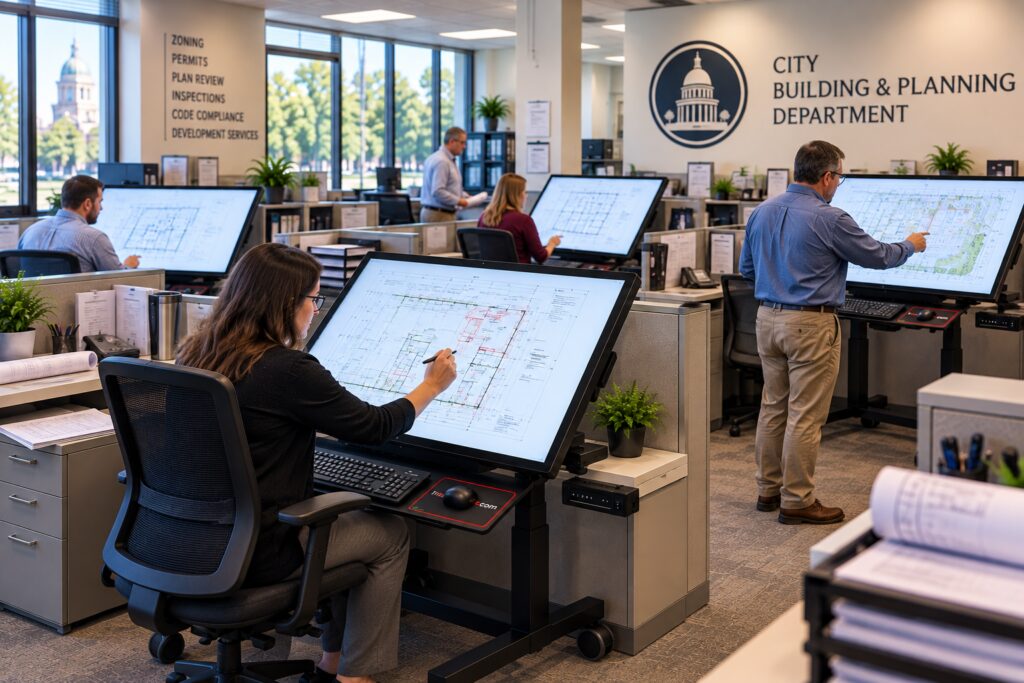
Digital plan review is not limited to tapping and swiping. Users type notes, enter permit information, use shortcut keys, work with a mouse and move between the software tools that support the review.
The Superintendent includes a physical keyboard tray so the workstation functions as a practical daily workspace rather than a touchscreen mounted on a generic cart.
The keyboard tray uses a straightforward friction-hinge design that can be positioned for work and moved out of the way when it is not needed.
No keyboard
No shortcuts
Bring Your Computer—or Let Us Add One
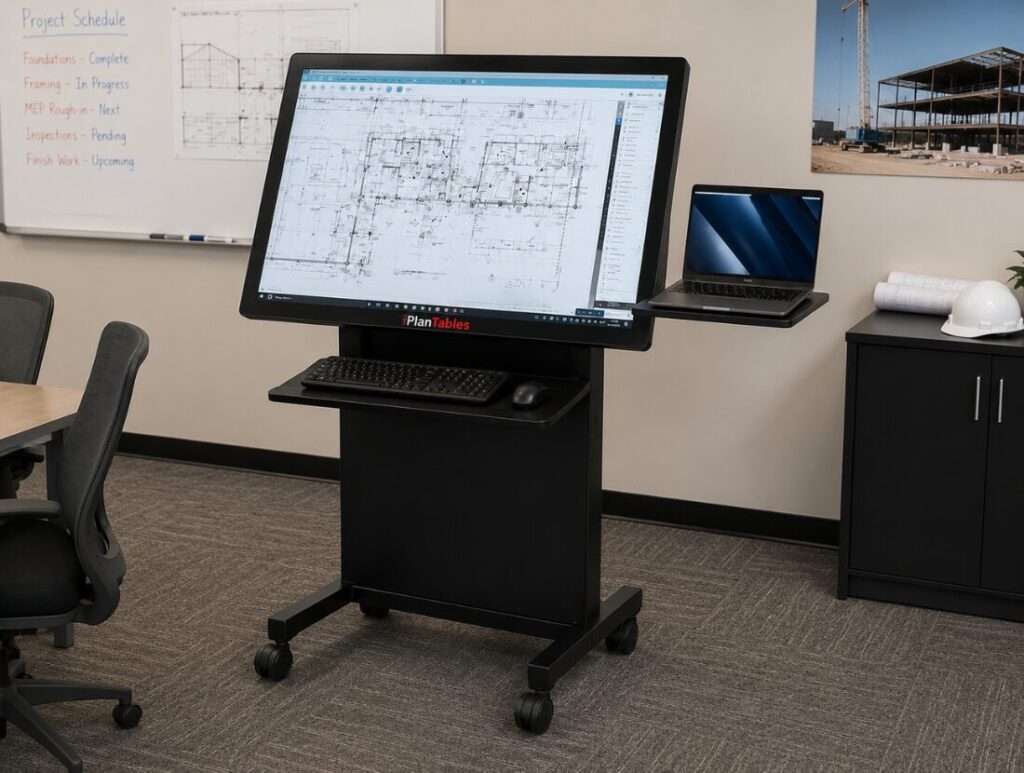
The Superintendent includes a CPU holder so organizations can use an approved customer-provided computer without improvising where it will be mounted or stored.
For customers who prefer a complete system, the standard iPlanTables Windows computer can be added. Customers may also request upgraded specifications when their software or workflow requires more performance.
Organizations that work primarily from laptops may add a laptop mount instead of a desktop computer configuration.
- Customer-provided computer
CPU holder included
- iPlanTables standard computer
Intel Core i5, 8 GB RAM, 512 GB storage and 4K graphics
- Customer laptop
Optional laptop mount available
The goal is to provide a clean, supported computer setup without requiring every buyer to purchase the same technology package. Customers can use their own computer, choose the standard iPlanTables configuration or request an upgraded system.
See More of the Plan. Mark Up Where the Work Happens
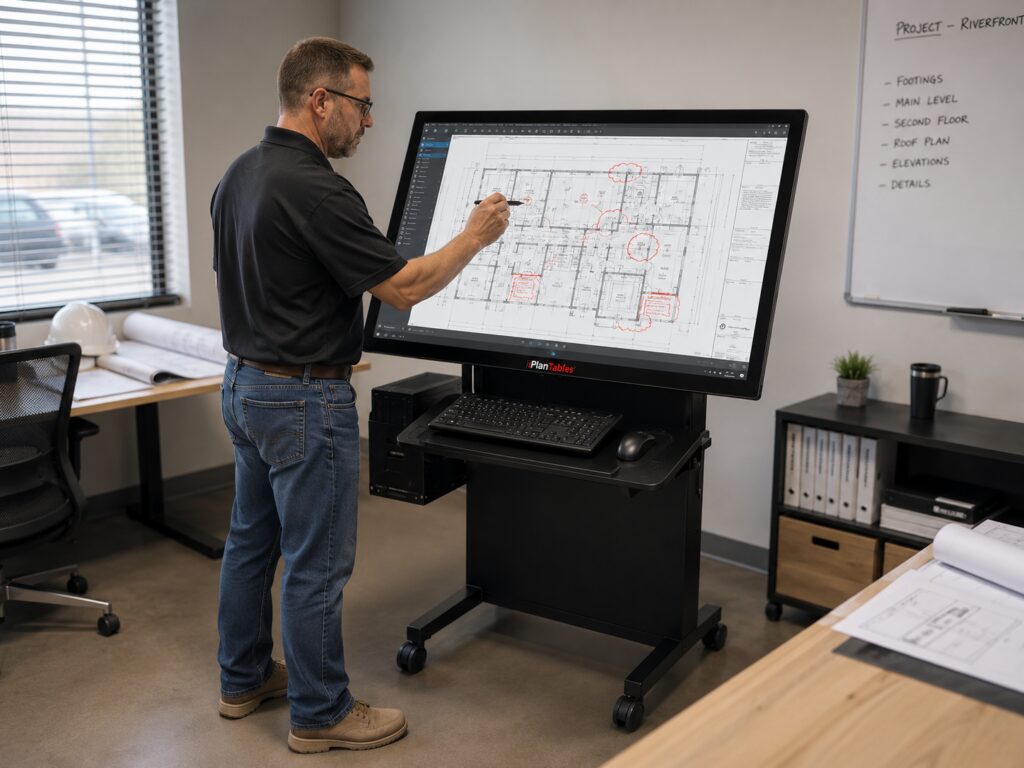
The large-format 4K PCAP touchscreen gives users more room to review drawings and technical documents while retaining the detail needed for close inspection.
Touch navigation makes it easier to move through plans, enlarge details and interact directly with compatible Windows applications.
The touchscreen supports an optional MPP active stylus for a more natural and accurate writing experience when adding notes, comments and annotations. Palm rejection allows the user to rest a hand naturally on the screen while writing, reducing unintended marks and interruptions.
Available in 43-inch, 49-inch, 55-inch and 65-inch touchscreen sizes.
Sit. Stand. Tilt. Review.
Electric height and tilt controls allow the Superintendent to move from seated work to standing review, angled markup or a more upright collaboration position.
Programmable height settings allow users to save preferred working positions and return to them quickly. The workstation adapts to the person and task instead of forcing the user to work around a fixed display.
- Sit or stand
- Tilt for detailed markup
- Raise for collaboration
- Return to saved working heights
Purpose-Built Does Not Have to Mean Overbuilt
The essentials, coordinated
The Superintendent is designed as a real plan-review workstation from the beginning. The touchscreen, electric controls, keyboard tray, CPU holder, cable management and mobile base are selected and assembled to work together.
Customers can begin with their own computer, add the standard iPlanTables computer or request upgraded specifications, while purchasing only the components that support the way they work. For many organizations, keeping the starting configuration focused can make it easier to fit the purchase within established equipment budgets and move the project forward.
Designed, Fabricated and Assembled in the USA
The Superintendent is designed around professional plan-review and technical-document workflows.
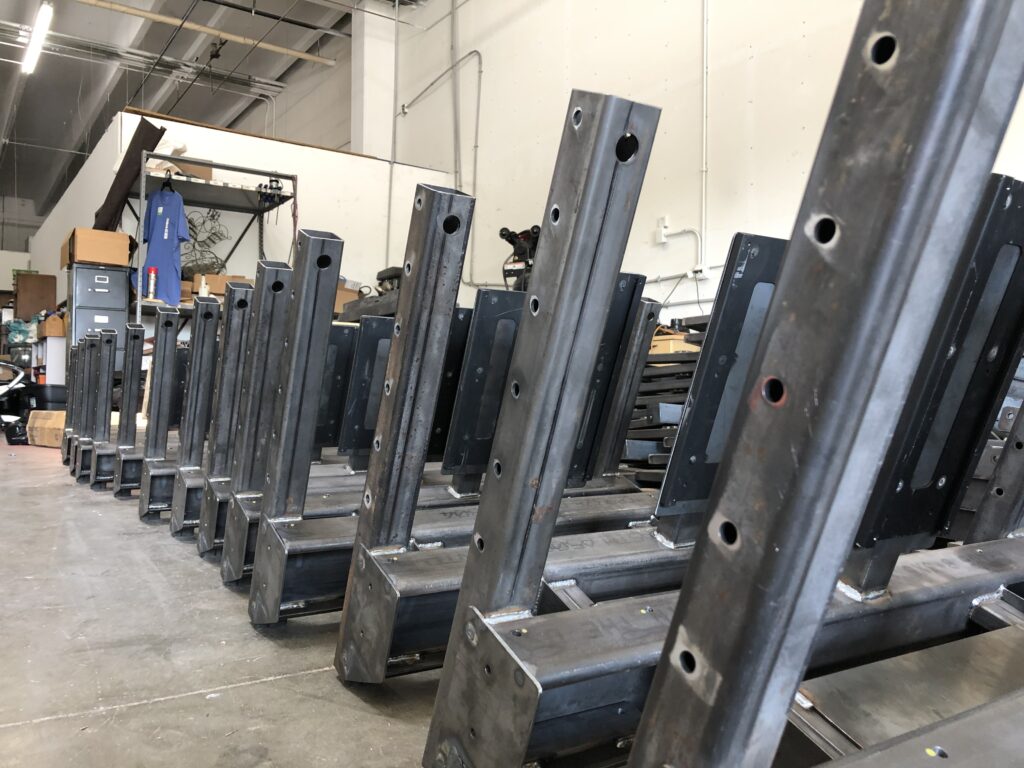
Its heavy-duty workstation structure is fabricated and assembled in the USA using commercial-grade components selected to support daily office and project use.
Superintendent at a Glance
| Feature | Superintendent |
|---|---|
| Main Touchscreen Sizes | 43, 49, 55 or 65 inches |
| Resolution | 4K |
| Brightness | 700 nits |
| Touch Technology | PCAP multi-touch |
| Digital Markup | MPP active stylus supported; stylus optional |
| Palm Rejection | Included |
| Height Adjustment | Electric with programmable positions |
| Screen Tilt | Electric |
| Keyboard Workspace | Physical friction-hinge keyboard tray |
| CPU Holder | Included for customer-provided or iPlanTables desktop computer |
| Standard Optional Computer | Intel Core i5, 8 GB RAM, 512 GB storage and 4K graphics |
| Computer Options | Customer-provided computer or upgraded iPlanTables configuration |
| Laptop Option | Optional laptop mount available |
| Mobility | Heavy-duty base with locking casters |
| Construction | Designed, fabricated and assembled in the USA |
Want the detailed specifications?
Request the Product Data Sheet for the Superintendent for detailed hardware, included equipment and configuration information.
Need More Built In? Step Up to the Facility Manager
The Superintendent is designed for buyers who want a focused starting configuration. When the workflow calls for side monitors, an expanded work surface, a higher-performance standard computer, a webcam or a broader range of integrated accessories, the Facility Manager may provide the better overall value.
Start With the Workstation. Add Only What Your Workflow Requires
Request the iPlanTables catalog to compare touchscreen sizes and available options, or schedule a 30-minute demo to discuss the most practical configuration for your workflow, equipment budget and computer standards.