

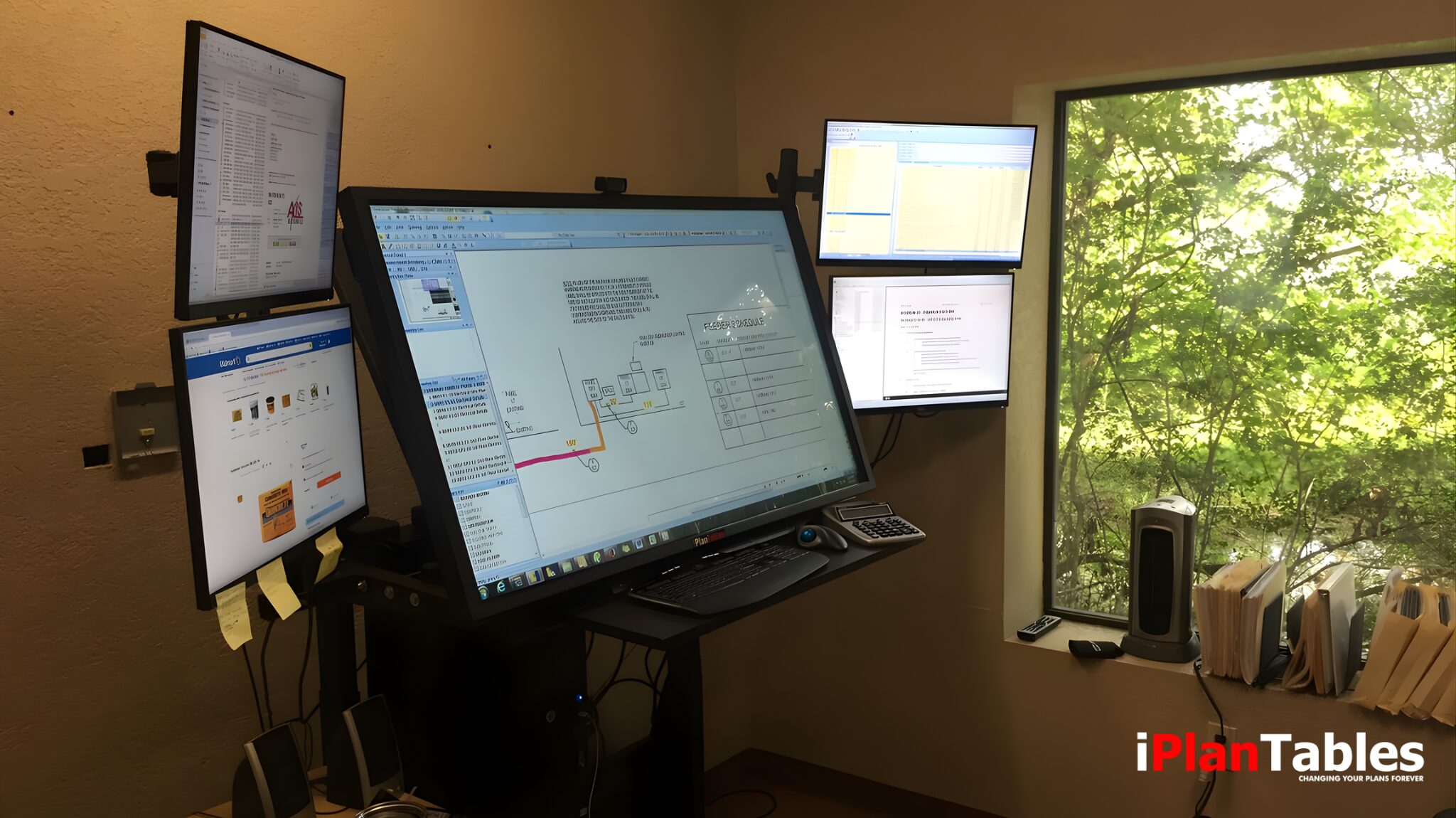
An interactive multi-touch display is a large-format, high-resolution screen that allows users to interact directly with digital content using touch gestures such as tap, swipe, zoom, and drag. In practice, this creates a more natural and intuitive way to engage with complex information.
For example, professionals working with wide-format documents—plans, drawings, schedules, or complex spreadsheets—often face challenges like constant scrolling, window-switching, and limited visibility. With this in mind, interactive multi-touch displays help eliminate these inefficiencies. As a result, users gain a clear, immersive workspace designed for speed, clarity, and collaboration.
Building on this capability, iPlanTables—interactive multi-touch displays—are engineered to support demanding workflows in construction, architecture, engineering, and operations—where visibility and control matter most.
What Is an Interactive Multi-Touch Display Used For?
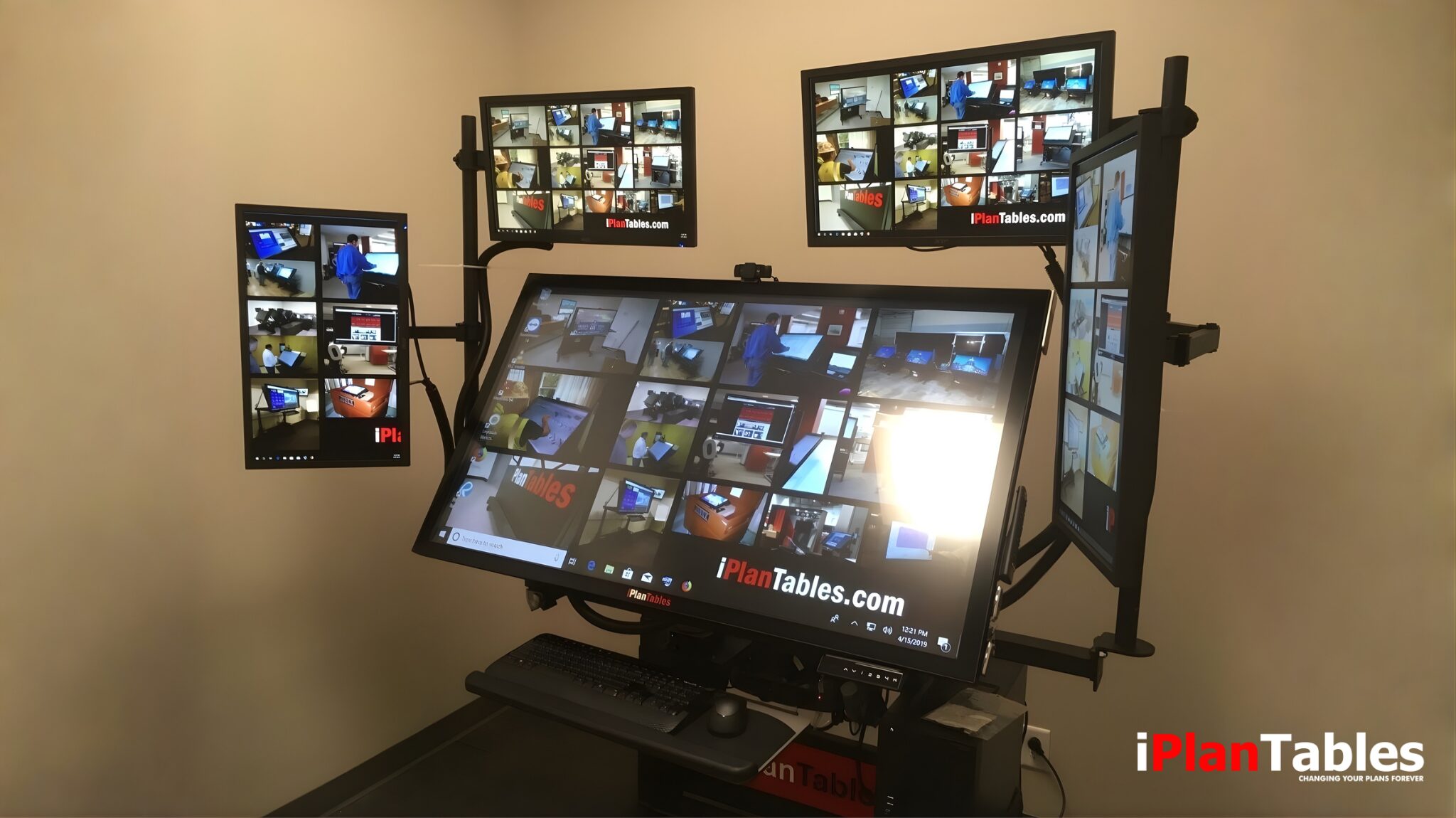
An interactive multi-touch display enables professionals to view, navigate, and manage large digital documents naturally and efficiently.
Unlike traditional monitors, these displays allow users to:

Interact directly with content instead of relying on a mouse

View full-scale drawings without excessive zooming

Manage multiple documents simultaneously

Collaborate more effectively in shared workspaces
Common use cases include:

Reviewing construction plans and drawings

Comparing specifications or code documents

Managing wide spreadsheets and schedules

Centralizing information in job site or office environments
When paired with an iPlanTables Plan Table workstation, the display becomes a central command hub for project execution.
Benefits of Interactive Multi-Touch Displays
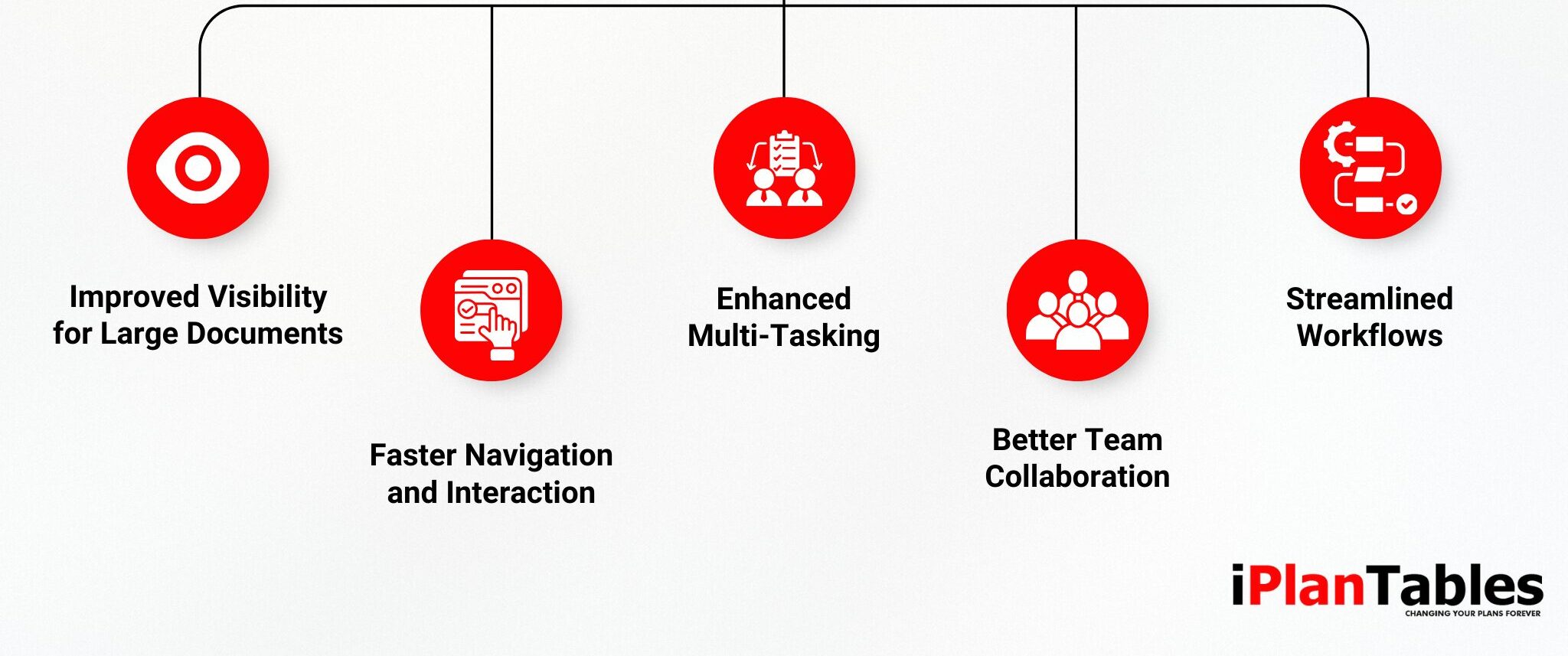
Wide-format work introduces challenges that traditional desktop setups struggle to solve. Interactive multi-touch displays address these challenges directly.
Key Benefits Include:
Improved Visibility for Large Documents
With 4K resolution and screen sizes ranging from 43 to 75 inches, users can view full plans clearly—reducing eye strain and navigation time.
Faster Navigation and Interaction
Touch-based controls allow users to zoom, pan, and rotate documents intuitively, minimizing interruptions and workflow friction.
Enhanced Multi-Tasking
Large displays support side-by-side viewing of plans, specs, schedules, and emails without sacrificing readability.
Better Team Collaboration
Multiple users can interact with the display at the same time, making reviews and discussions more efficient.
Streamlined Workflows
By keeping critical information visible and accessible, teams spend less time switching tools and more time making decisions.
How Interactive Multi-Touch Displays Work in Real Environments
Advanced touch-enabled display systems operate through a combination of high-resolution panels, touch-sensing technology, and workstation integration.
The Process:
Display Wide-Format Content: View plans, drawings, and documents at near full scale

Touch-Based Interaction: Navigate content
using natural gestures

Multi-Document Viewing: Keep reference materials open alongside primary documents

Adjust Viewing Angles: Tilted displays improve comfort and visibility

Scale Across Setups: Add side monitors in
portrait or landscape orientation as needed
iPlanTables displays tilt at an optimized 45-degree angle, closely matching the natural viewing position used when reviewing physical plans—only now, everything is digital, clearer, and faster.
Why iPlanTables Interactive Multi-Touch Displays Stand Out
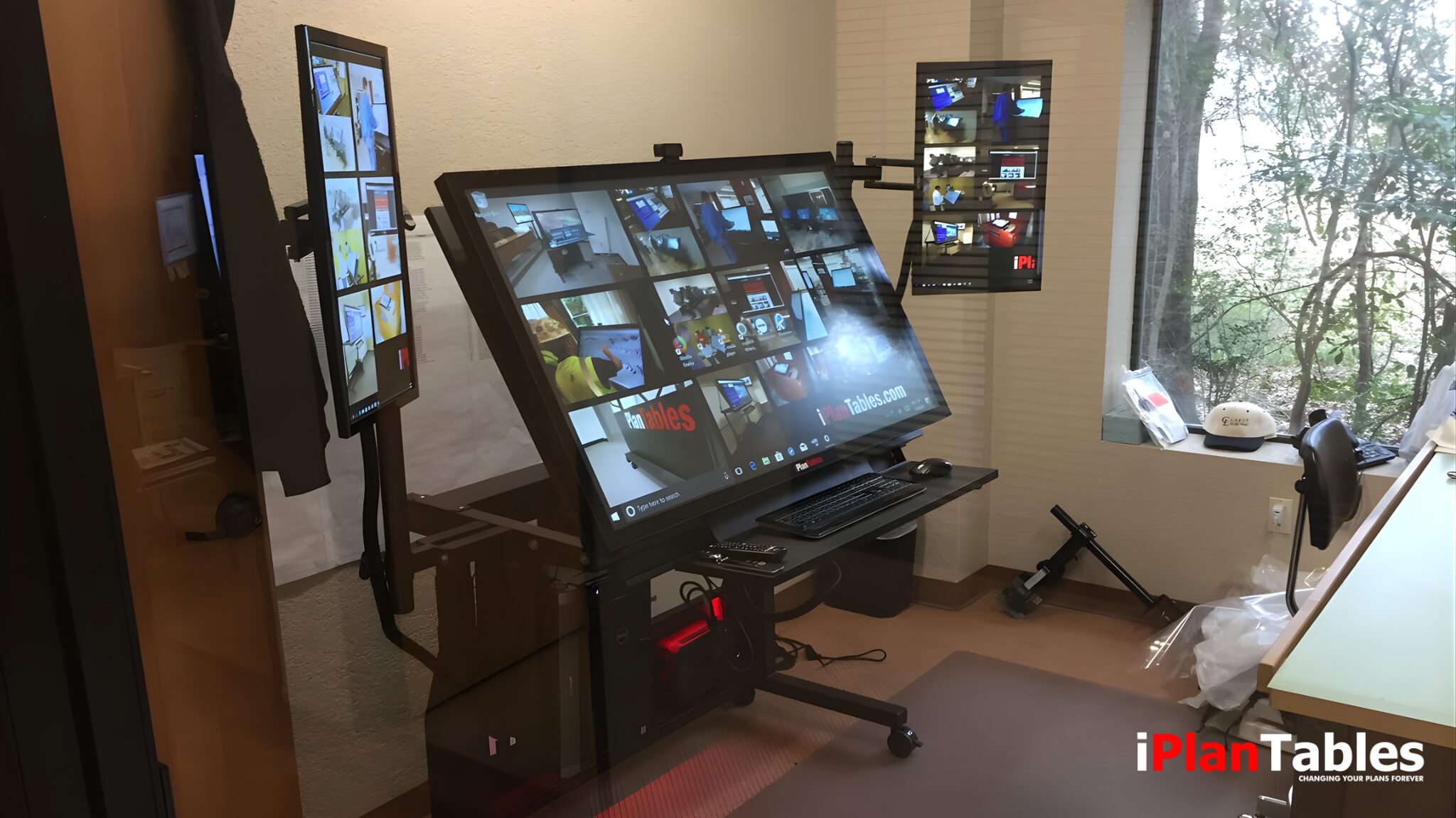
Not all interactive displays are built for real-world professional environments. iPlanTables workstations are purpose-built for demanding workflows.
What Makes iPlanTables Different:
Large-format 4K interactive multi-touch displays

Screen sizes from 43” to 75” for true wide-format viewing
Support for up to four additional side monitors

Sit-stand workstation options to encourage movement

Designed for offices, job sites, and project hubs
Supporting Healthier, More Flexible Workdays
Long hours reviewing documents can take a toll. iPlanTables integrates sit-stand functionality into its Plan Table designs, encouraging movement throughout the day.
With electric lift and tilt configurations available, users can:
- Alternate between seated and standing positions
- Reduce fatigue during long review sessions
- Maintain focus and comfort over extended work periods
A well-designed workspace supports both performance and well-being—without sacrificing productivity.
Frequently Asked Questions (FAQ)
What is an interactive multi-touch display?
Professionals working with wide-format documents—such as construction, architecture, engineering, and operations teams—benefit significantly.
Can interactive multi-touch displays replace multiple monitors?
They can reduce the need for multiple monitors, but iPlanTables also supports adding side displays for even greater flexibility.
Are iPlanTables displays suitable for job sites?
Yes. Models like the Job Commander are designed for job site environments, particularly indoor project spaces during active construction.
How can I see an iPlanTables display in action?
You can schedule a personalized demonstration with the iPlanTables team.