

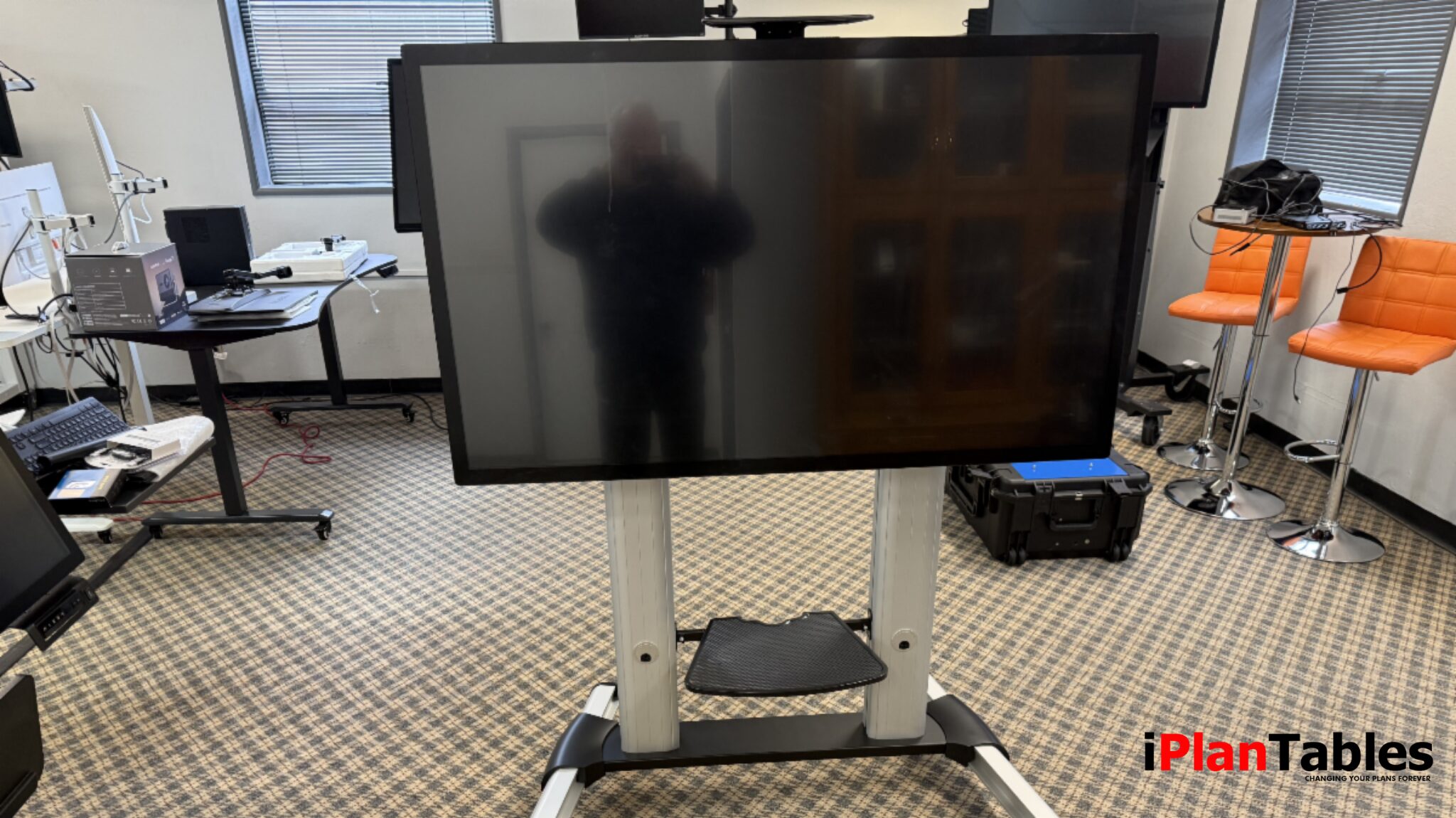
Over the last decade, smartboards and collaboration displays have rapidly appeared in conference rooms, project offices, and design studios. The use of a Smartboard for Construction is becoming increasingly common as teams discover its benefits for project management and communication.
Originally introduced for classroom teaching and presentations, these large interactive displays quickly found their way into professional environments where teams needed a better way to share ideas, review documents, and collaborate visually.
Today, many organizations searching for a smartboard for construction projects, architecture firms, or engineering teams are trying to solve a simple problem:
How do you bring large digital documents into a collaborative environment where everyone can see and interact with them?
Understanding why smartboards became popular — and where they sometimes fall short — helps explain why many teams are now exploring large touchscreen monitors as an alternative.h as tap, swipe, zoom, and drag.
The Rise of Interactive Displays
Smartboards and collaboration displays gained popularity because they combined several useful tools into a single device.
Instead of using projectors, laptops, and whiteboards separately, teams could work directly on a large interactive screen.
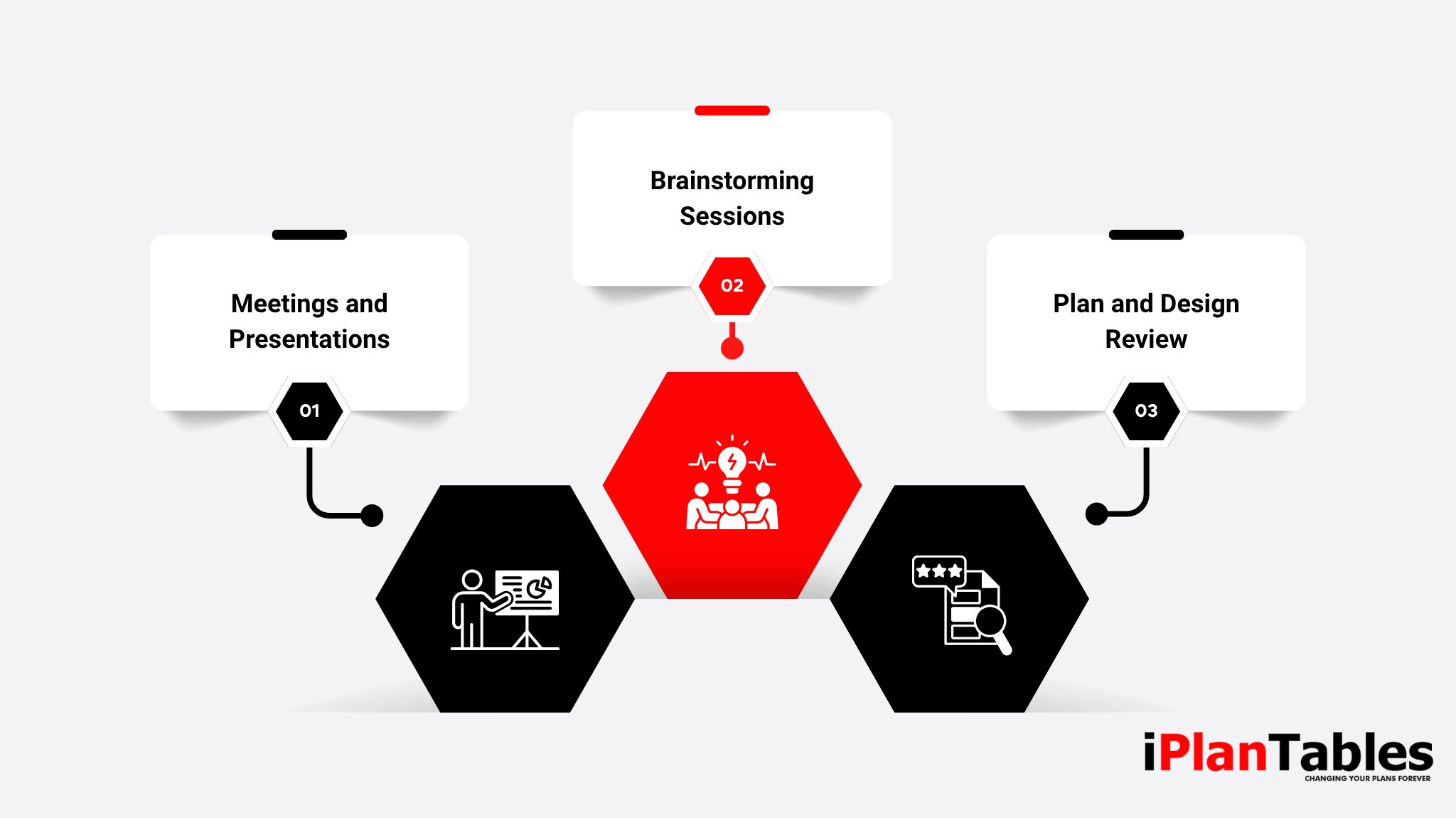
Common uses include:
Meetings and Presentations
Large displays allow teams to share documents, slides, and visuals clearly so everyone in the room can follow the discussion.
Brainstorming Sessions
Digital whiteboards let teams sketch ideas, annotate diagrams, and capture notes during meetings.
Plan and Design Review
For industries like construction, architecture, and engineering, a large screen makes it easier to review drawings, blueprints, and project documentation together.
Because of these benefits, many organizations began installing touchscreen collaboration displays in meeting spaces and project rooms.
Where Many Smartboards Fall Short
While smartboards introduced powerful collaboration tools, many teams eventually discovered limitations when using them for real project work, especially in industries dealing with complex files such as CAD drawings or BIM models.
Limited Stand Adjustment
Many smartboard systems come with fixed-height or limited-adjustment stands.
For example, some stands offer only two preset height positions rather than smooth adjustment. This can make it difficult for teams to comfortably view large plans or drawings during longer sessions.
Wall Mount Limitations
Large collaboration displays are frequently installed as permanent wall-mounted systems.
While this can work well for conference rooms, it limits flexibility. Moving the display between spaces or adjusting viewing angles often requires additional hardware or installation work.
Cost Increases with Larger Screens
Screen size matters when reviewing construction plans, architectural drawings, or large document sets.
However, moving from a 55-inch display to a 75-inch or larger smartboard can dramatically increase costs because many systems bundle hardware, software, and internal computers into a single unit.
For teams that primarily need a large workspace for reviewing plans, this bundled approach can become unnecessarily expensive.
What Teams Actually Need for Plan and Project Collaboration
Organizations searching for a smartboard for construction or design workflows are often trying to support very specific types of work. Unlike general-purpose displays, these environments must support professional software such as CAD, BIM, estimating tools, and plan review platforms—applications that typically run on powerful Windows desktop workstations rather than the lower-power processors built into many smart boards.
As a result, teams need display setups that not only support these tools but also fit seamlessly into their day-to-day workflows:
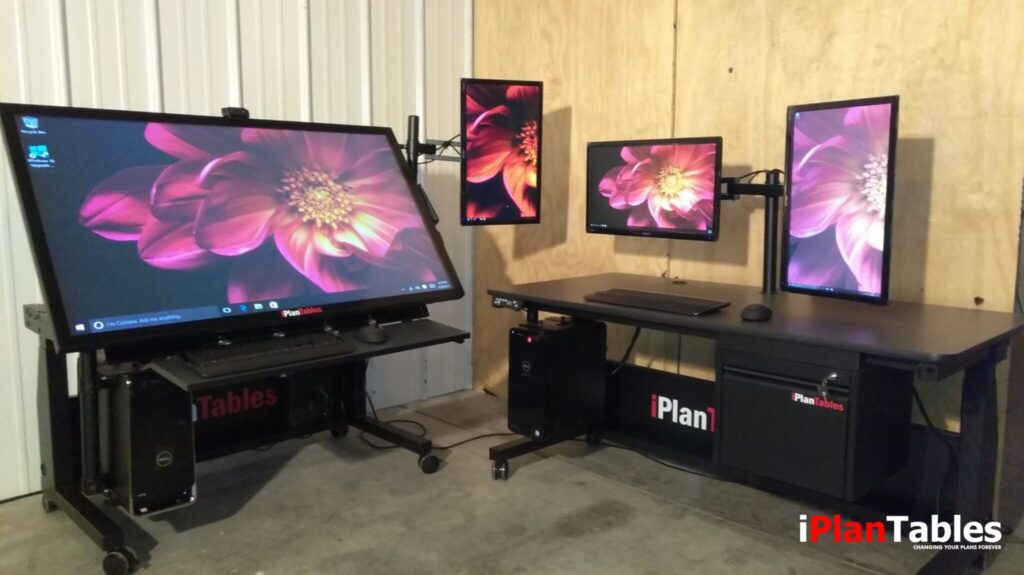
Adjustable Viewing Heights
Teams reviewing plans or drawings often need to raise or lower the screen depending on the number of participants and the room layout.
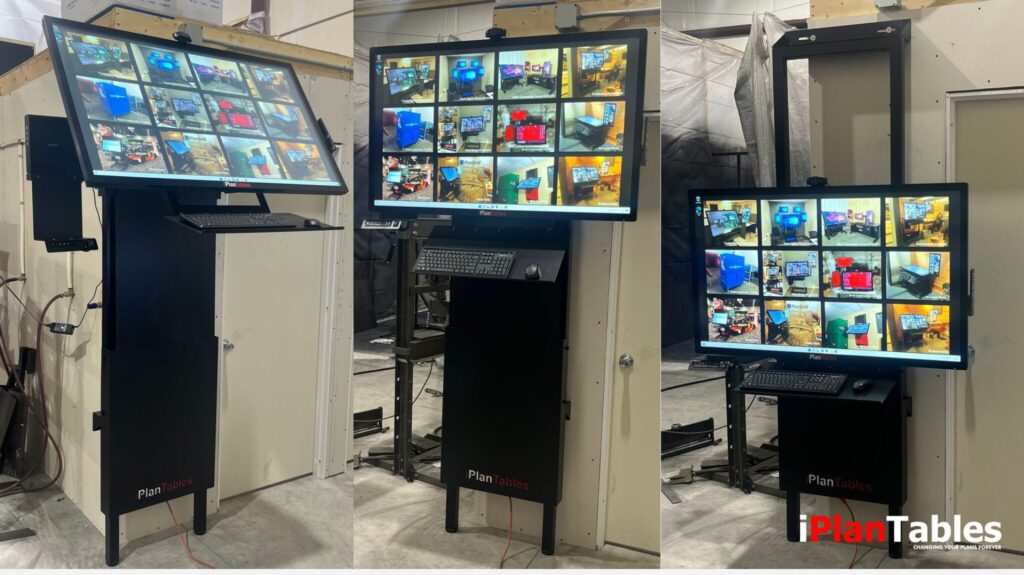
Flexible Mounting Options
Wall mounts, mobile stands, and adjustable workstations allow displays to adapt to different rooms and workflows.
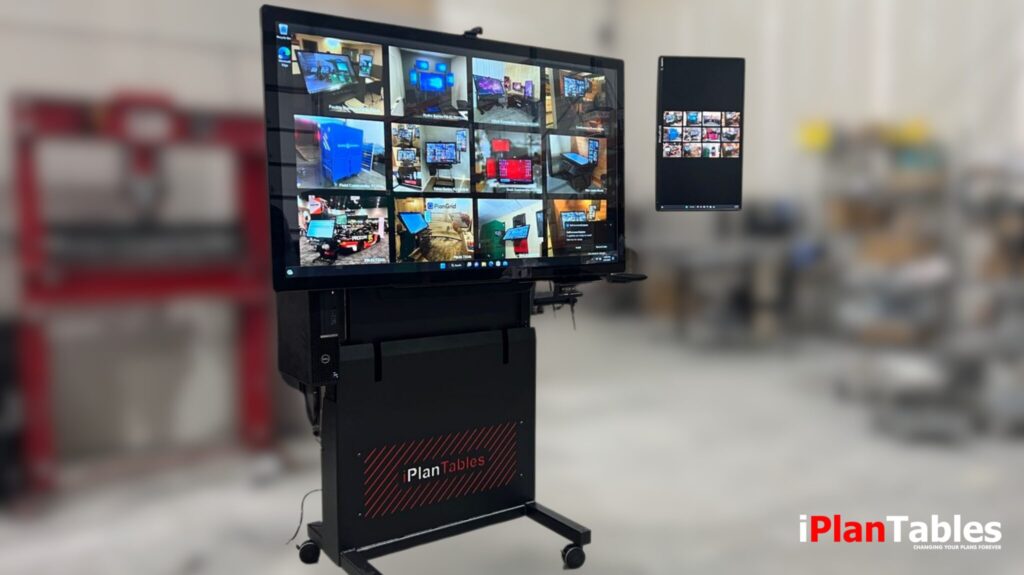
Mobile Collaboration
Some teams need displays that can move between meeting rooms, project spaces, or jobsite offices.
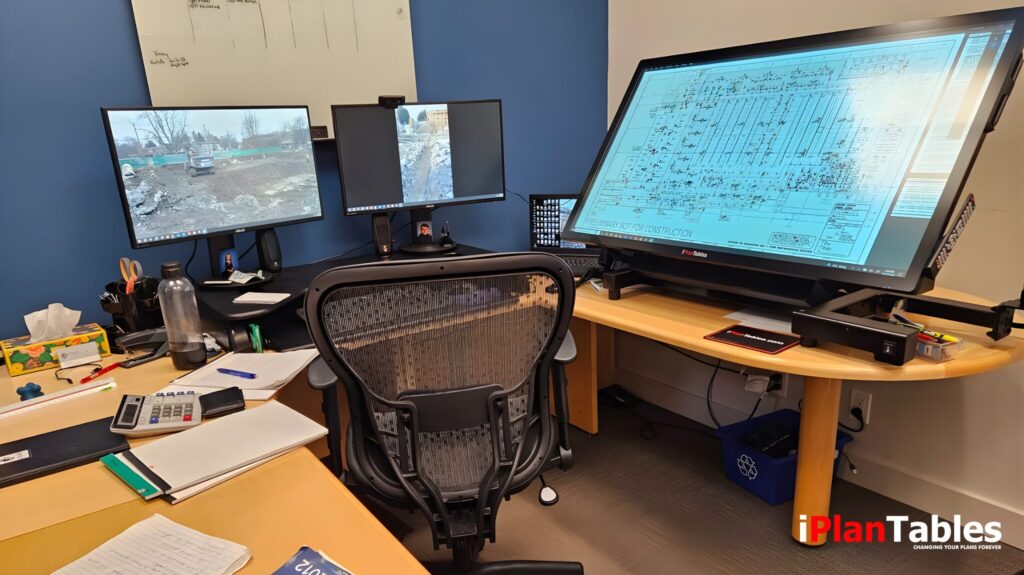
Large Drawing Visibility
Construction drawings, blueprints, and design files require large-format viewing areas to see details clearly while still collaborating with others in the room.
The Alternative: Large Touchscreen Monitors
Because of these requirements, many organizations are shifting toward a different approach.
Instead of purchasing a traditional smartboard system, teams are pairing:
- Large touchscreen monitors
- Adjustable stand systems
- External professional workstations
This setup provides many of the collaboration benefits of a smartboard while offering far more flexibility.
A powerful workstation can run demanding software such as CAD, BIM, and large plan sets, while the large touchscreen monitor becomes the shared visual workspace.
Introducing the Slate Series
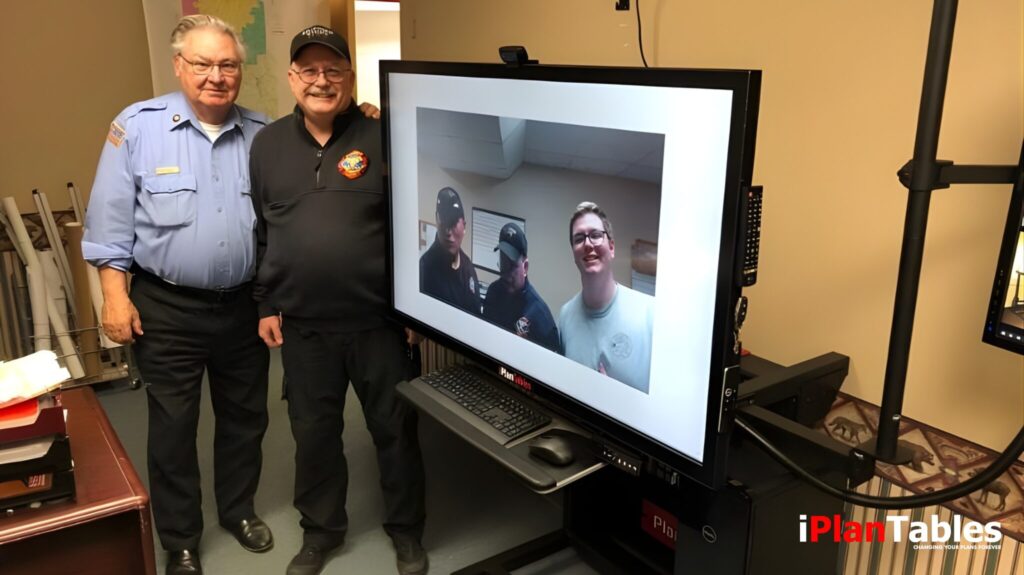
The Slate monitor series from iPlanTables was designed around this more flexible collaboration model.
Rather than building everything into a single all-in-one smartboard system, Slate monitors focus on what many professional teams actually need:
A large-format touchscreen display designed for real project work.
Slate systems can be configured in multiple ways, including:
- Slate monitor with adjustable stand systems
- Slate monitor with wall-mount installations
- Slate monitor connected to external professional workstations
This allows teams to build collaboration environments that match their workflow rather than being limited by a single fixed configuration.
Many organizations are discovering that pairing a large touchscreen monitor with an adjustable stand provides the flexibility they expected from a smartboard — without the limitations of traditional all-in-one systems.
Over 50 stand configurations available — wall mount or freestanding options.
Want to See These Systems in Action?
If you’re exploring large touchscreen displays for collaboration, plan review, or BIM workflows, seeing the systems in action can help you understand how they fit into real work environments.
Built for Real Work, Not Just Presentations
While many collaboration displays are designed primarily for meetings and presentations, professional environments often require something different.

Large drawing sets
BIM models

Complex design files

Detailed project documentation
These workflows benefit from large-format displays connected to powerful workstations, where performance and flexibility matter more than built-in apps or lightweight processors.
The Slate series was developed specifically with these environments in mind.
If you’d like to explore professional wide-format displays designed for real project workflows, you can also request the latest iPlanTables catalog to see available monitor and stand configurations.