
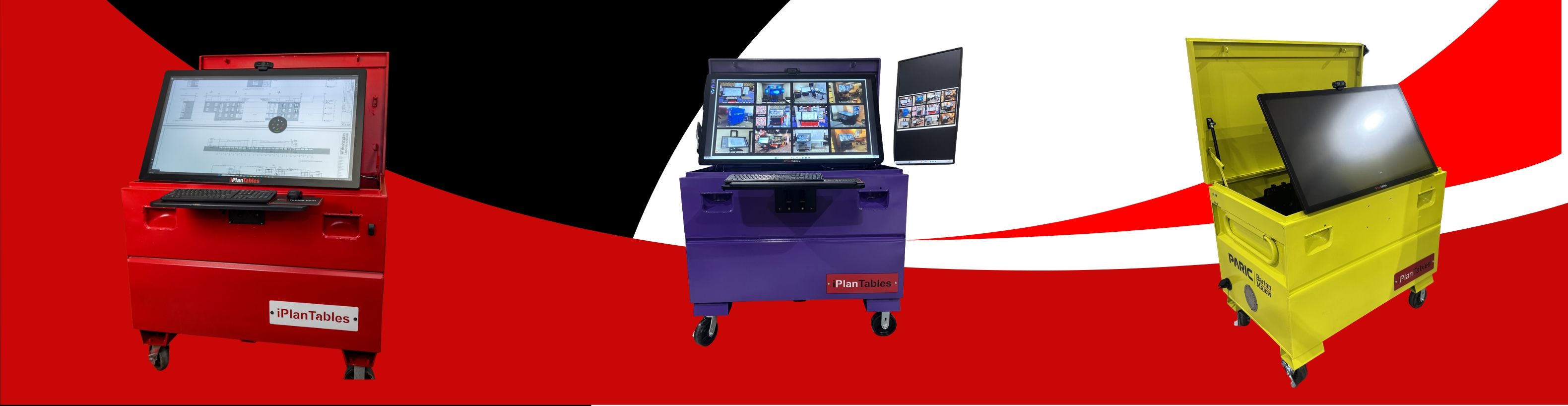
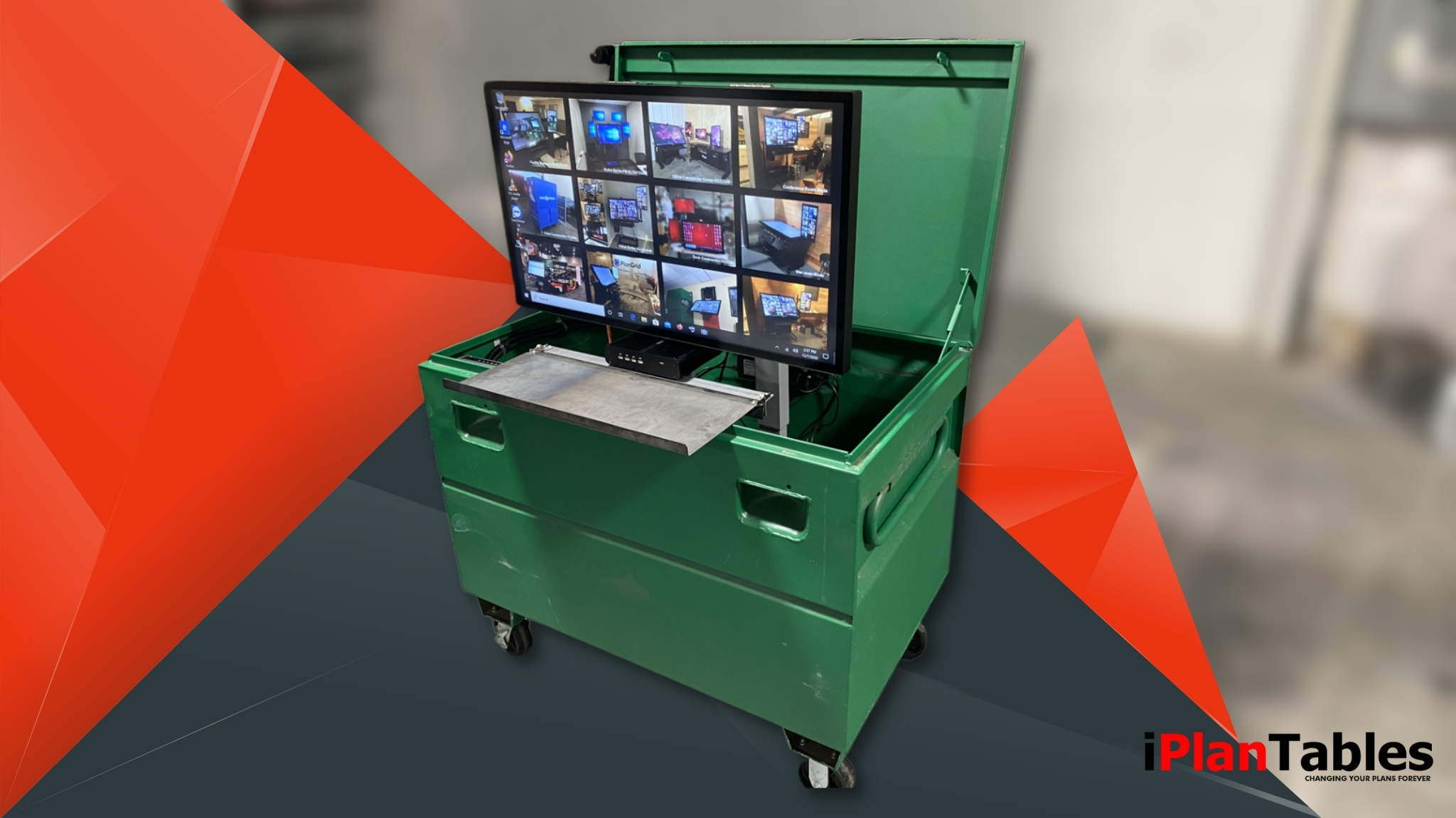
Efficiency and accuracy are the foundation of every great construction project. From reviewing digital blueprints to tracking project progress, today’s construction professionals need tools that keep up with the demands of modern job sites. That’s where construction site monitors—especially wide-format touchscreen displays—come in.
At iPlanTables, we’ve reimagined how teams interact with plans and specs. Instead of squinting at laptops or juggling stacks of paper, our touchscreen monitors make it easy to view, mark up, and collaborate on construction documents in real-time—whether you’re in the office, conference room, or job trailer.
Below are answers to some of the most commonly asked questions about construction site monitors to help you choose the right digital solution for your team.
What is a Construction Site Monitor?
A construction site monitor is a large-format digital display—often a touchscreen workstation—used to view and manage project plans, blueprints, and documents on-site. These monitors replace traditional paper drawings, making it easier for teams to collaborate, review plans, and ensure everyone is working from the latest version.
Why are Touchscreen Monitors Ideal for Construction Sites?
Touchscreen monitors simplify plan review and communication. With multi-touch capability, users can zoom, pan, and annotate directly on digital blueprints—just like marking up paper but faster and cleaner. They’re rugged, intuitive, and built for environments where time and precision matter most.
How Do Construction Site Monitors Improve Project Efficiency?
Construction site monitors streamline how teams access, review, and collaborate on project plans. Instead of juggling multiple paper drawings or switching between small computer screens, iPlanTables’ wide-format touchscreens allow users to view an entire plan sheet at once—just as it would appear on paper, but with digital precision.
By integrating multi-touch capabilities, teams can instantly zoom in on details, measure dimensions, and mark up revisions in real-time during meetings or field reviews. This not only reduces human error but also eliminates time lost searching for updated drawings or clarifications.
Can Construction Site Monitors Be Used in Job Trailers or Conference Rooms?
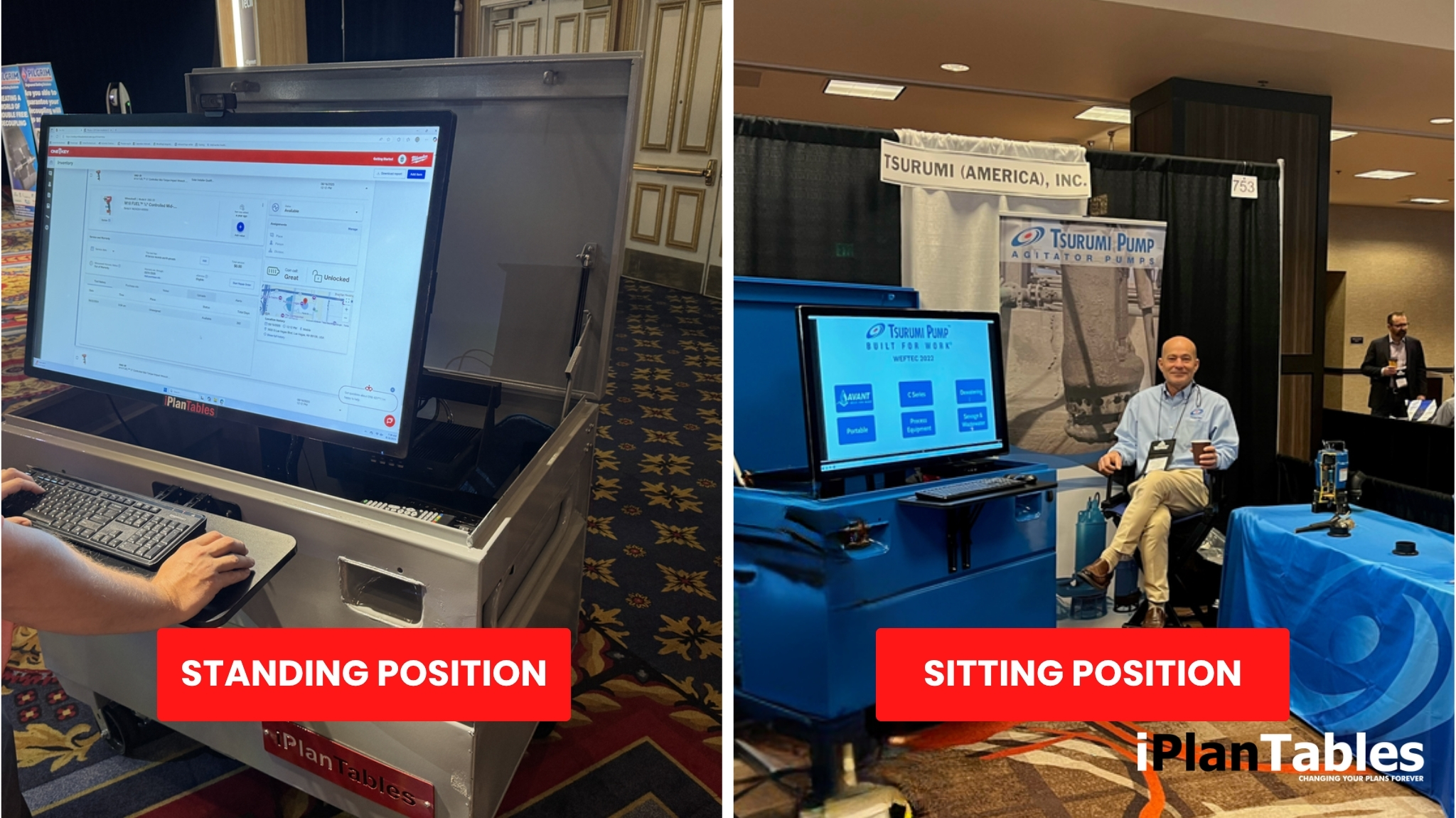
Absolutely. iPlanTables designs every model with versatility in mind. Our sit-stand touchscreen workstations are perfect for job trailers where space is limited, but accessibility is crucial. They can easily adjust to individual preferences, allowing team members to review plans while standing or seated.
For larger groups, our wall-mounted and conference room models are ideal for collaborative sessions. They transform meetings into dynamic work sessions where multiple people can interact with digital plans simultaneously—pinching, marking, or highlighting in real time.
These systems are built for durability and portability, ensuring that even in rugged job site environments, your technology performs as reliably as your team. Whether in a trailer, training room, or office conference area,iPlanTables monitors help maintain seamless communication between project managers, field supervisors, and subcontractors.
What Makes iPlanTables Different From Other Display Options?
iPlanTables construction site monitors are designed specifically for professionals in the architecture, engineering, and construction (AEC) industry. Here’s what sets them apart:

Purpose-Built for Construction Use
- Engineered to handle large-format digital blueprints, specs, and plan sets.
- Designed for job site durability, accuracy, and long-term performance.
Wide-Format, High-Resolution Displays
- View full-size drawings without constant zooming or scrolling.
- See fine details clearly, improving accuracy and reducing errors.


Responsive Multi-Touch Functionality
- Supports intuitive gestures like zoom, pan, rotate, and markup.
- Enables multiple team members to interact with plans simultaneously.
Seamless Software Integration
- Works with popular construction software such as Bluebeam®, Procore®, and PlanGrid®.
- Simplifies digital workflows and keeps all project data synchronized.


Customizable Models for Every Environment
- Available in sit-stand, desktop, wall-mounted, and conference configurations.
- Ideal for field use, office settings, and team collaboration spaces.
How Do I Choose the Right Construction Monitor For My Team?
When selecting the ideal construction site monitor, consider your workspace, team size, and workflow needs:
- For individual users:
- Choose a sit-stand iPlanTables workstation for ergonomic comfort.
- Ideal for solo plan reviews and desktop environments.
- For teams or collaboration:
- Opt for conference room or wall-mounted models.
- Perfect for group meetings, design reviews, and training sessions.
- Key factors to evaluate:
- Screen size and resolution
- Mounting style (desktop, wall, mobile cart)
- Portability for job trailer use
- Software compatibility (Bluebeam®, Procore®, etc.)
- Connectivity and touch responsiveness
The Final Word: When Precision Meets Durability
On-site or on the move, the view that matters is always on your screen.
With iPlanTables Field Commander, Tactical Commander, and Mobile Commander, on-site work becomes smarter and faster. These aren’t just screens—they’re durable, touch-enabled command centers built to thrive in demanding environments. From digital plan reviews to real-time coordination, every task becomes more efficient and precise.iPlanTables turns every job site into a connected, intelligent workspace—where clarity meets control.a demo today to experience how a commercial interactive display can transform the way you work.